Mind Maps
Brainstorming, visualized.
Start with an idea at the center and grow it outward. Mintofu's mind map canvas gives you a freeform space to think visually.
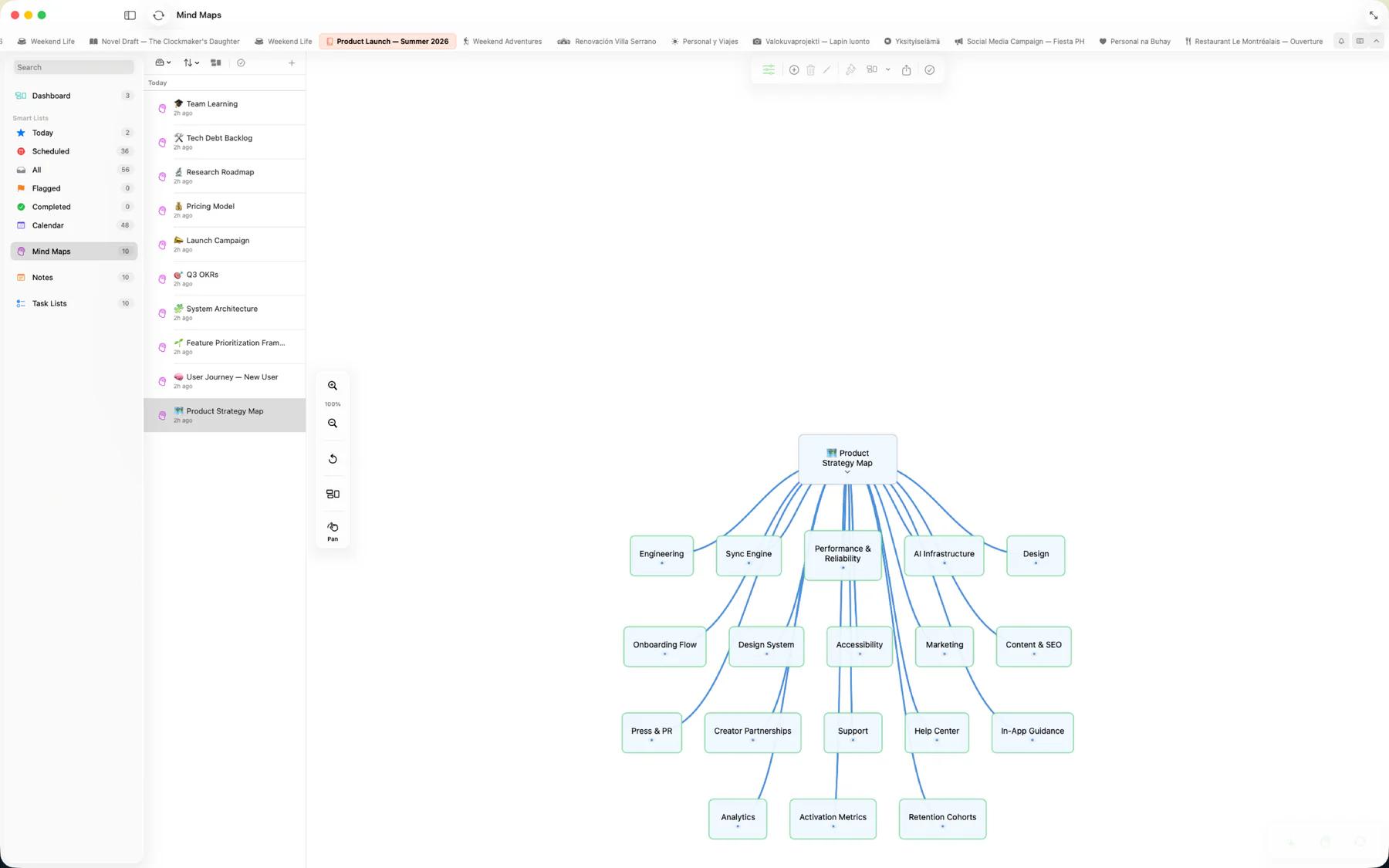
Interactive canvas
Build and explore mind maps with intuitive controls.
- Drag-and-drop nodes — move and rearrange freely on an infinite canvas
- Rich content — add text, images, and media to any node
- Hierarchies — branch ideas outward from a central topic to organize complex thinking
- Import from Markdown — turn an existing outline or .md file into a mind map instantly
- Convert to action — when you're done brainstorming, convert your mind map to a note or task list. Every node becomes a paragraph or task, preserving your hierarchy.
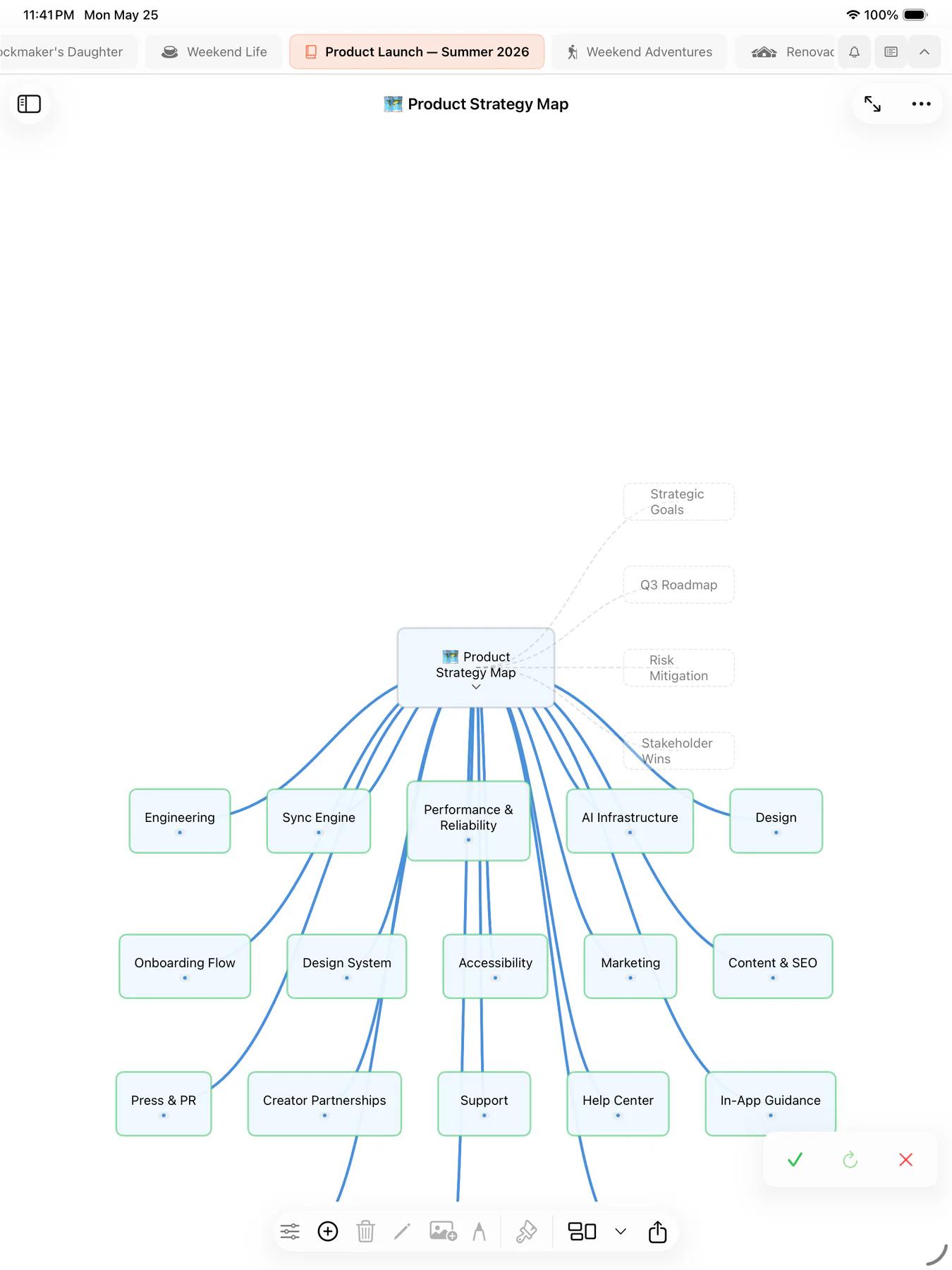

Mind Map & Task List Sync
Your mind map and your task list, finally the same plan. Link them and they stay in step: structure flows from whichever side you pick to lead, and checking an item off marks its counterpart complete too. Your link syncs across all your devices.
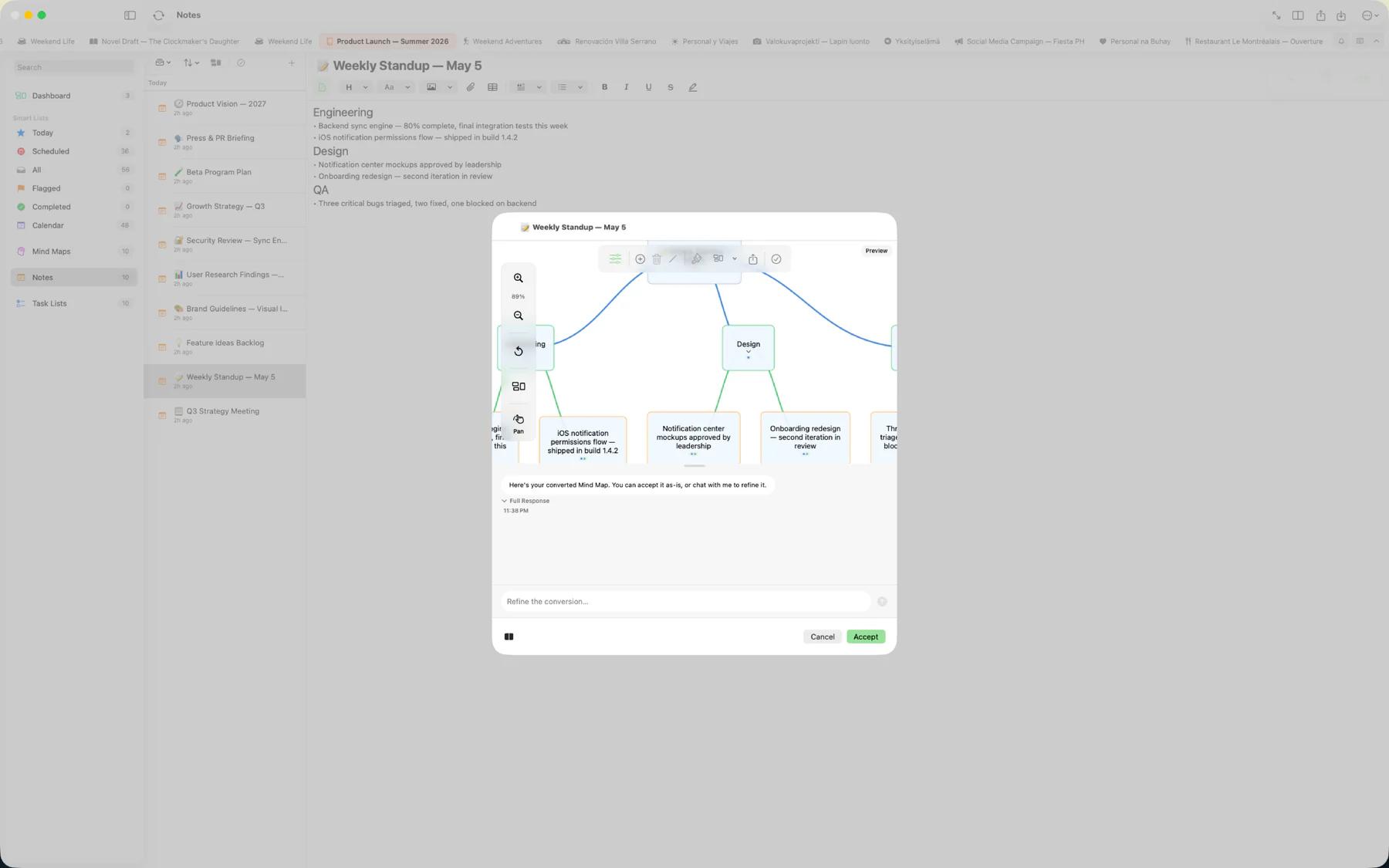
AI brainstorming
On-device Apple Intelligence extends the canvas without sending your ideas anywhere.
- Generate — describe a topic and AI drafts a starter mind map you can grow
- Brainstorm — refine the map in an interactive back-and-forth session with the AI
- Convert — turn a mind map into a note or task list, or grow a new mind map from existing notes and tasks