Convert Anything
Turn ideas into action.
Ideas don't always start in the right format. A brainstorm becomes a plan. A plan becomes a checklist. A checklist becomes a calendar event. Mintofu lets you convert between content types with one tap — and preserves every detail along the way.
Supported conversions
Convert between any content type with one tap.
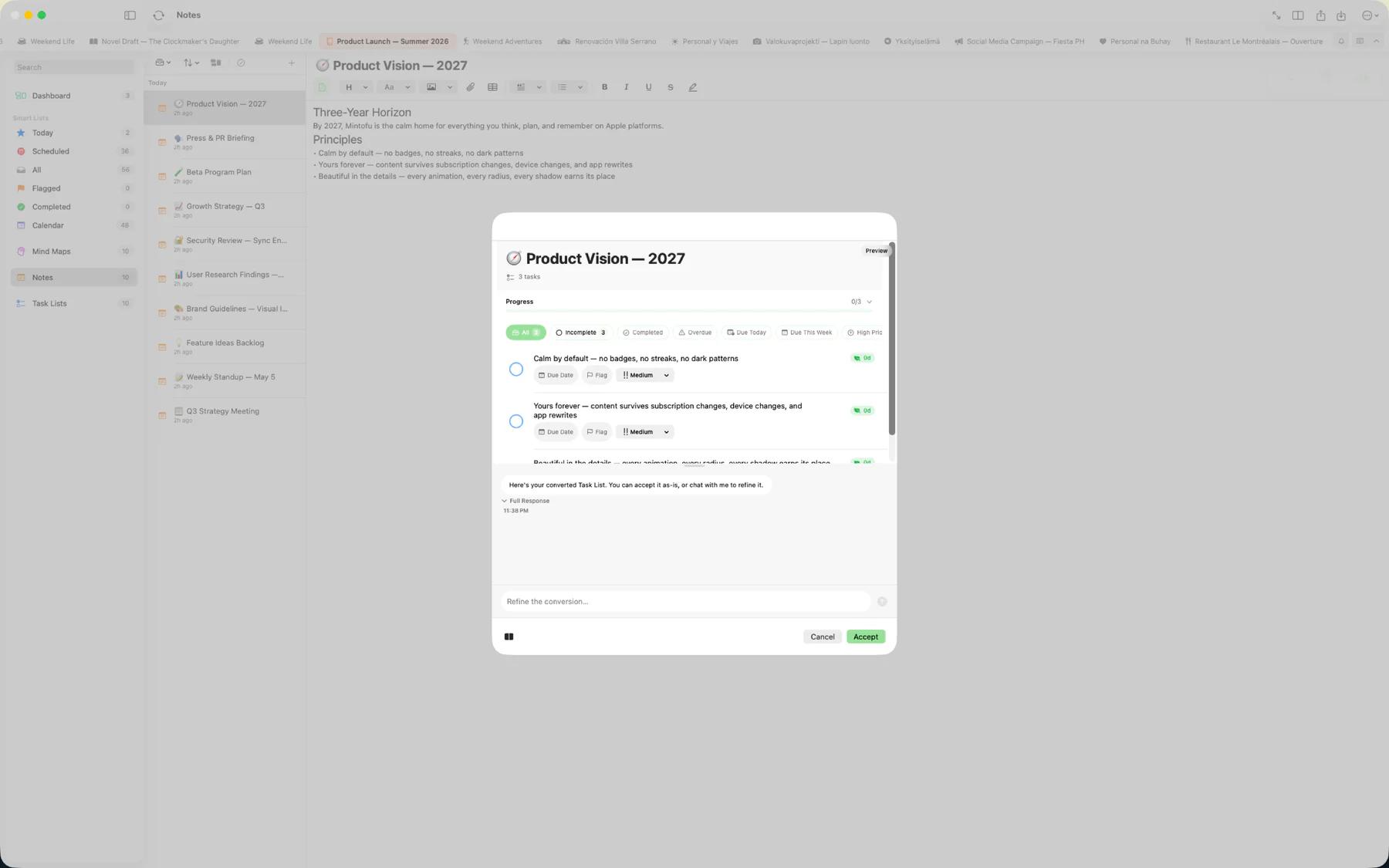
- Note → Task list — Each paragraph becomes a task. Headings become section headers. Formatting and attachments carry over.
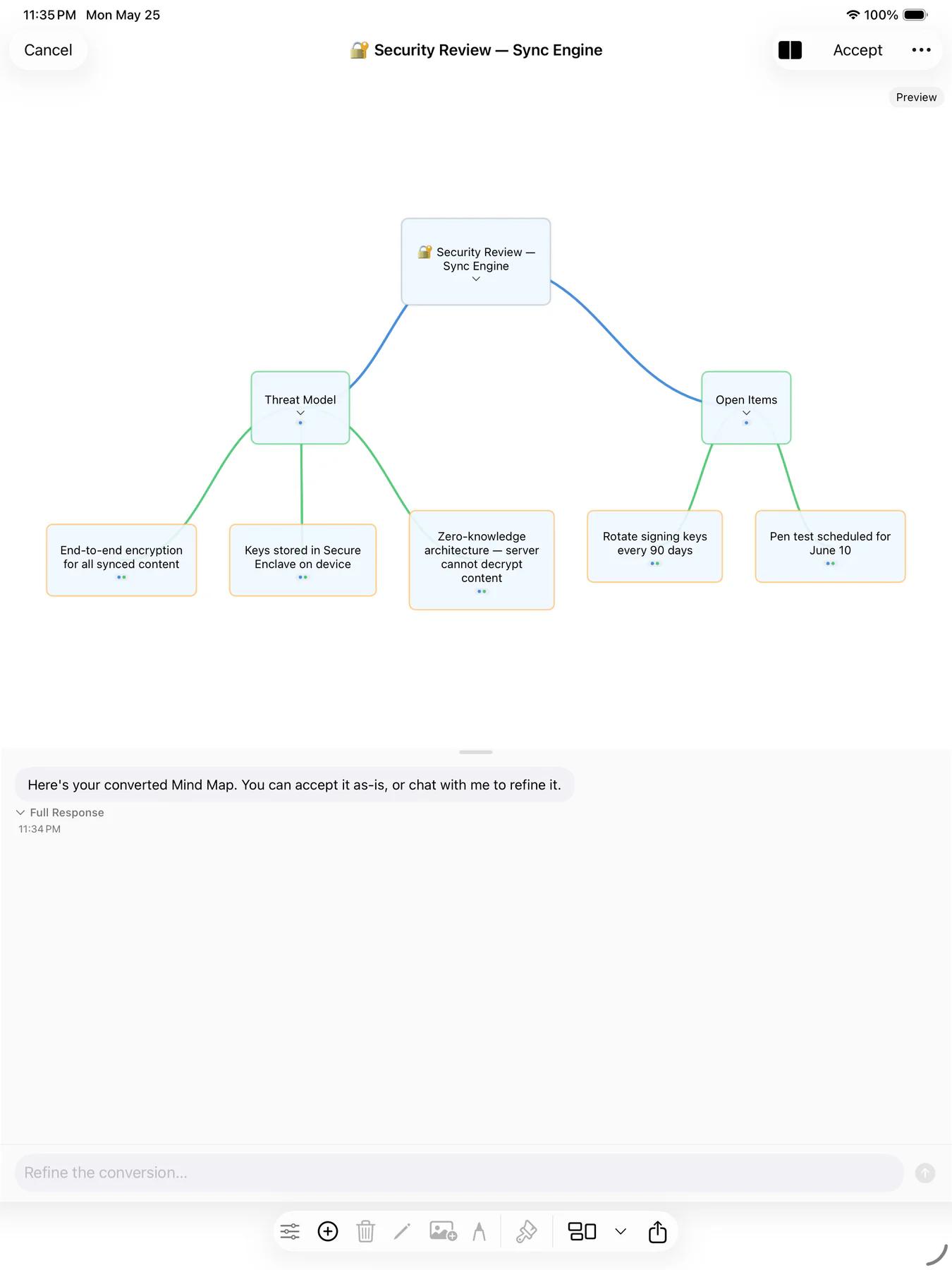
- Task list → Mind map — Tasks become nodes, subtasks become branches. Priority levels map to node colors so you can see what matters at a glance.
- Mind map → Note — Every node becomes a paragraph or heading, preserving your hierarchy. Branch structure translates into heading levels and indentation.
- Any → Event — Turn a note, task, or mind map into a calendar event. The title and content are carried over; just add a date and time.

Content preservation
Mintofu maps content intelligently during every conversion. Text formatting, attachments, tags, and hierarchy are preserved wherever the target format supports them. Nothing is silently dropped — if a detail can't be represented in the new format, Mintofu keeps it in the body text so you never lose information.

AI-assisted conversion
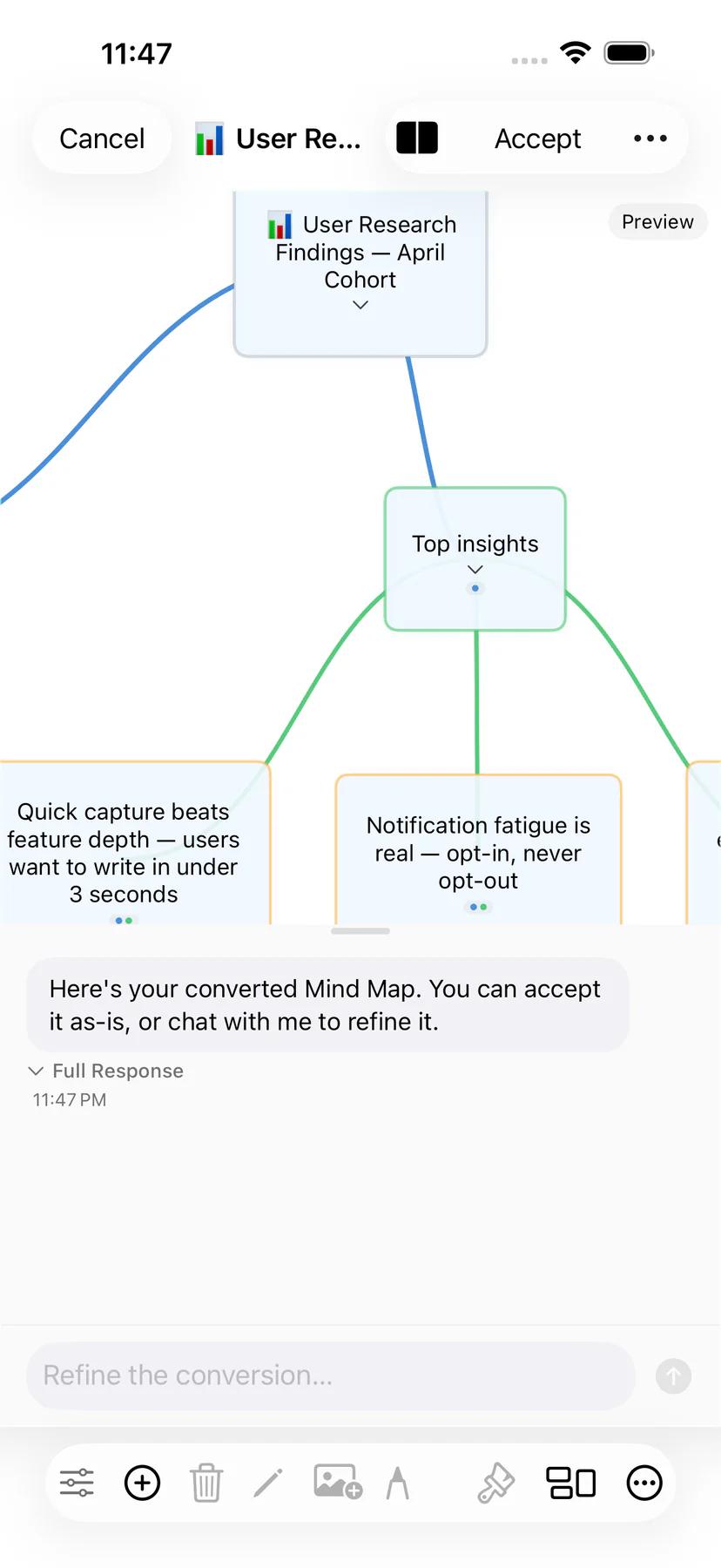
On supported devices, Mintofu's on-device AI can help restructure content during conversion — summarizing lengthy notes into concise tasks, or expanding terse task titles into descriptive paragraphs. AI conversion uses Apple Intelligence and runs entirely on your device.
System requirements
AI-assisted conversion requires iOS 18.1+ or macOS 15.1+ on supported devices. Free users get 2 AI invocations per day; Mintofu+ members get unlimited.